
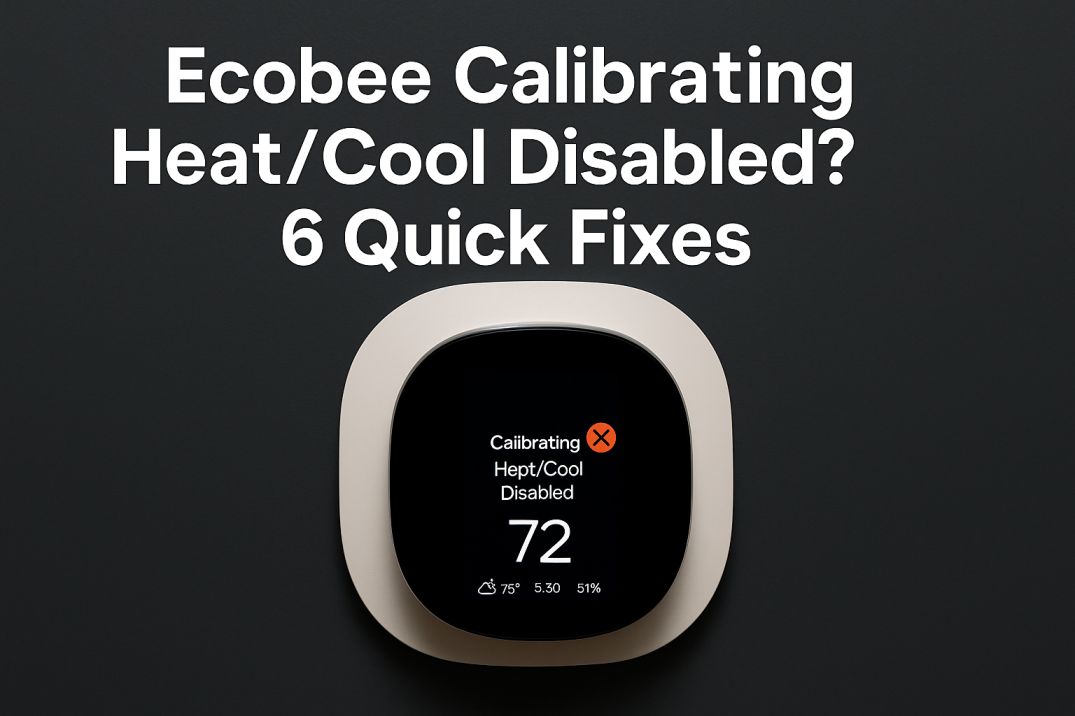
The Ecobee “Calibrating Heat/Cool Disabled” message means the thermostat is initializing and has temporarily paused heating or cooling, often after a restart or power interruption.
Calibration helps the thermostat establish an accurate temperature reading before it resumes controlling your HVAC system. In many cases, the message clears on its own after a short wait and does not indicate that the Ecobee has failed.
This guide explains why Ecobee calibration occurs, how to tell whether the thermostat is stuck, and which troubleshooting steps can restore heating or cooling safely.
What Does “Calibrating Heat/Cool Disabled” Mean on an Ecobee?
“Calibrating Heat/Cool Disabled” means your Ecobee thermostat is temporarily measuring and stabilizing its temperature readings, so it has paused heating or cooling.
This message commonly appears after a power interruption, thermostat restart, installation, relocation, or software update. During calibration, the Ecobee may disable the HVAC equipment briefly to avoid responding to an inaccurate temperature reading.
In most cases, calibration is a normal startup or recovery process rather than a sign that the thermostat has failed. Once the temperature sensor and system communication stabilize, the message should clear and your Ecobee should resume its scheduled heating or cooling.
Why Does Your Ecobee Say “Calibrating Heat/Cool Disabled”?
The Ecobee calibration message usually appears after the thermostat restarts or detects a change in its power, temperature readings, or HVAC connection. During this brief process, heating and cooling remain disabled while the thermostat re-establishes stable readings and communication with the equipment.
- Power outage or thermostat reboot
- An interruption at the thermostat, furnace, or air conditioner can trigger calibration when the Ecobee powers back on. The message may also appear after a manual restart or an unexpected reboot.
- New installation or thermostat relocation
- A newly installed or moved Ecobee may need time to settle into its new environment. Nearby vents, direct sunlight, drafts, and wall temperature can affect the sensor’s readings during setup.
- Firmware update or software restart
- An Ecobee firmware update can restart the thermostat and temporarily display the calibration status. The thermostat should normally resume its schedule after the update and startup process finishes.
- HVAC maintenance, equipment delay, or safety lockout
- If the furnace or air conditioner was recently serviced, switched off, or placed in a built-in delay, the Ecobee may temporarily show that heat or cooling is unavailable. In this situation, the thermostat message may be related to the HVAC equipment rather than the thermostat sensor itself.
- Loose wiring, power instability, or a hardware fault
- Intermittent power from the C-wire, loose terminal connections, wiring problems, or a failing temperature sensor can cause calibration to repeat. Frequent recurrence is more significant than a single message after a normal restart and may require wiring inspection or professional HVAC service.
If the message clears after a short startup period, it is usually temporary. If “Calibrating Heat/Cool Disabled” continues for an extended time or returns repeatedly, check whether the HVAC system has power and look for equipment error indicators before attempting further troubleshooting.
How Long Does Ecobee Calibration Take?
Ecobee calibration usually takes about 5–20 minutes, during which heating and cooling remain disabled while the thermostat establishes a reliable temperature reading. The process may take longer after a first installation, relocation, power interruption, reset, or substantial firmware update.
If the “Calibrating Heat/Cool Disabled” message remains for more than 30 minutes, treat it as an abnormal delay rather than a routine calibration cycle. Check whether the thermostat and HVAC system have steady power, then restart the thermostat and allow it a few minutes to reconnect. Repeated calibration after every reboot may indicate a power, wiring, sensor, firmware, or HVAC communication problem that requires further troubleshooting.
How to Tell If Your Ecobee Is Stuck Calibrating
An Ecobee calibration cycle is usually temporary. The thermostat may be stuck if the “Calibrating Heat/Cool Disabled” message continues well beyond the normal startup period or returns repeatedly without a recent power interruption, installation, or update.
- The calibration message remains on-screen for more than 30 minutes.
- The thermostat screen becomes frozen, unusually slow, or unresponsive to touch.
- Heating or cooling does not resume after the thermostat restarts and the HVAC system has power.
- The message reappears frequently, such as every day or week.
- The Ecobee loses power, reboots, or shows a blank screen repeatedly.
- Your home temperature moves significantly away from the set point while the system remains disabled.
These symptoms can point to an unstable power supply, loose thermostat wiring, a problem with the HVAC equipment, a firmware issue, or a sensor communication error. Before changing wiring, check that the furnace or air handler has power and note any error codes. If calibration continues after a restart and HVAC power cycle, contact Ecobee support or a qualified HVAC technician.
6 Ways to Fix “Calibrating Heat/Cool Disabled” on Ecobee
If your Ecobee displays “Calibrating Heat/Cool Disabled,” wait up to 30 minutes, then restart the thermostat, power-cycle the HVAC system, and check for wiring or equipment problems.
-
Allow the calibration cycle to finish. If the message appeared after a power interruption, restart, installation, or update, leave the thermostat alone for 20–30 minutes. Avoid repeatedly removing it from the wall or switching the system on and off during this period.
-
Restart the Ecobee thermostat. Use the restart option in the thermostat’s settings if your model provides one. Menu names can vary by Ecobee model and software version. You can also carefully lift the thermostat from its wall plate, wait about 30 seconds, and reseat it.
-
Power-cycle the HVAC equipment. Turn off the HVAC system at its service switch or circuit breaker, wait at least 60 seconds, and restore power. Only access the breaker or service switch if you can do so safely. This may clear a communication problem between the Ecobee and the furnace, air handler, or heat pump.
-
Check the thermostat wiring. Turn off power to the HVAC system before removing the thermostat from its base. Confirm that each wire is firmly secured in the correct terminal, including commonly used connections such as Rc, Rh, W1, and C. Do not guess at wiring changes; contact an HVAC professional if a wire is loose, damaged, or incorrectly labeled.
-
Inspect the furnace or other HVAC equipment. Check whether the equipment has power and look for diagnostic lights, displayed error codes, a clogged filter, or a safety shutoff. A furnace or heat pump in delay mode or safety lockout may prevent heating or cooling from restarting even after the thermostat finishes calibrating.
-
Contact Ecobee or an HVAC technician. If calibration continues beyond 30 minutes, returns repeatedly, or the system still will not heat or cool, record any error messages and contact Ecobee Support. An HVAC technician can test the low-voltage wiring and equipment. If the thermostat itself has failed, Ecobee may recommend replacement after troubleshooting.
How to Prevent Ecobee Calibration From Repeating
To reduce repeated “Calibrating Heat/Cool Disabled” messages, focus on stable power, secure wiring, updated software, and proper HVAC maintenance.
- Keep the thermostat wiring secure. If the Ecobee was recently installed or moved, confirm that each wire is firmly seated in the correct terminal. Turn off power to the HVAC system before inspecting wiring.
- Avoid unnecessary restarts. Do not repeatedly remove the thermostat from its wall plate or force a reboot unless troubleshooting requires it. Frequent power interruptions can trigger another calibration cycle.
- Install firmware updates. Check the Ecobee app and allow updates or restarts to finish before changing settings or disconnecting the thermostat.
- Protect the HVAC system from power problems. If your home experiences surges or outages, ask a qualified HVAC professional or electrician whether suitable surge protection is appropriate for your equipment.
- Use backup power only when compatible. A UPS is not suitable for every furnace, heat pump, or air-conditioning system. Before connecting one to your HVAC system, verify compatibility with the equipment manufacturer or a professional.
- Schedule routine HVAC maintenance. Recurring calibration can be related to equipment faults, power interruptions, or control wiring problems, so have the system inspected if the message returns frequently.
These steps can limit avoidable reboots and help your Ecobee maintain a stable connection with the heating and cooling equipment. If calibration keeps returning despite stable power and secure wiring, contact Ecobee or an HVAC technician for further diagnosis.
Final Thoughts: Resolving Ecobee Calibration
The Ecobee “Calibrating Heat/Cool Disabled” message usually means the thermostat is temporarily measuring conditions before restoring heating or cooling. Give it up to 30 minutes, then restart the thermostat and HVAC system if the message remains.
If calibration keeps returning, check for power interruptions, loose thermostat wiring, HVAC error codes, or an equipment safety delay. Turn off power before inspecting wiring, and contact a qualified HVAC technician if you are unsure about the connections or the system does not resume normally.
For persistent calibration problems, contact Ecobee Support with the thermostat model, the message duration, and any recent power outage or installation details.